A product from RafaversemacOS 14+
Copy once.
Paste it better.
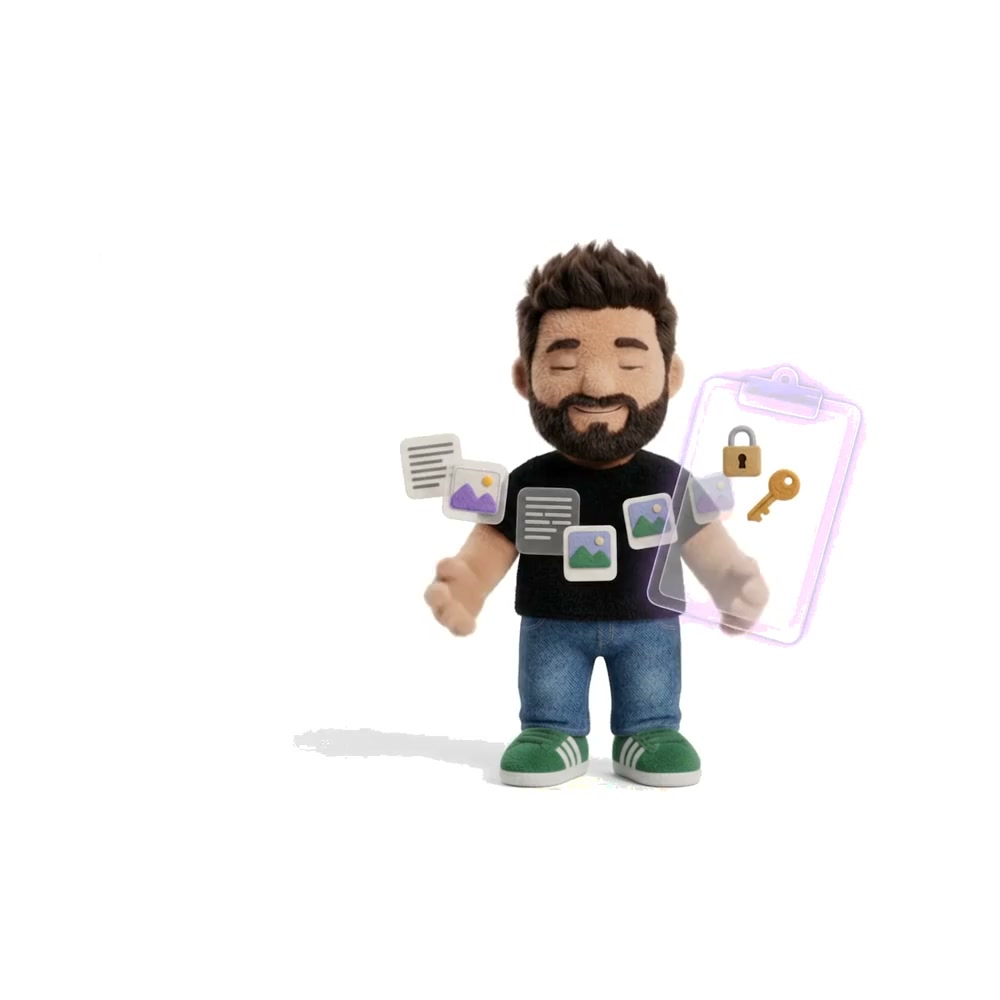
Your clipboard forgets. RafaBox doesn’t. It keeps everything you copy, pastes where you’re typing, reads text off the screen and shrinks images and video. All on your Mac.
Every feature for 30 days. No card. No account. Nothing to cancel.⇧⌘V Quick Overlay
- AES-GCMlocked at rest
- 64 toolsall on your Mac
- 0 uploadsof what you copy
On your screen
Copy it. Forget it. Paste it when it matters.
Here’s a link going from a web page into an email. RafaBox catches it, bins the API token you copied by accident, finds the link again when you need it, scrubs off the tracking junk and drops it in. You do roughly nothing. Pick a step to jump to it.


It lands where your cursor is, RafaBox gets out of the way, and you get on with your day.
The animation shows RafaBox on a Mac. A shop link full of tracking parameters is copied from a web page and saved. An API token is copied next, and Secret Shield turns it away. In an email, Shift-Command-V opens the Quick Overlay, a search for “felt” finds the link, the ⚡ menu runs Clean Tracking Links on it, and the clean link is pasted into the email.
What’s in the box
Six tools that save you hours every year.
-
date:2026-10-01..2026-10-09finds what you copied that weekSaves what you copy, never passwords: text, links, images, files and colours.
- Search by word, type or date.
- Pin what you use daily.
- Paste several clips at once.
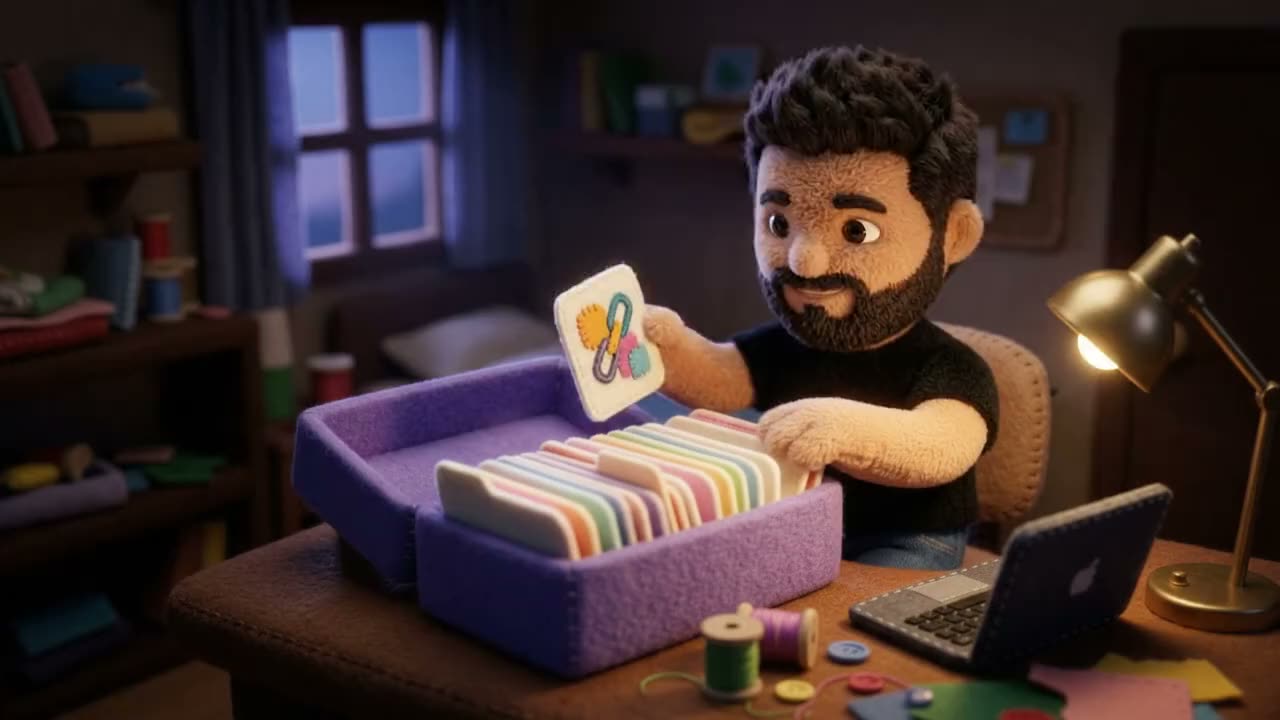
The card from last Tuesday, right where he left it. -
⇧⌘V opens the Quick Overlay anywhere
Pick a clip in any app. It pastes where you’re typing.
- Templates for text you retype.
- A queue for pasting in order.
- Tools on any clip, from the ⚡ menu.

One flick, and it’s in the field. -
⌃⇧2 Scoop: copy the words off the screen
Capture an area, a window or a long page. Record the screen with sound.
- Copy text and QR codes from anything on screen.
- Mark up, or blur private details.

The stitched box is the bit you asked for. -
Shrink photos, videos and GIFs to a size limit, like 25 MB for Slack. Location data is removed.

Big print in, postcard out. -
Pick colours from your screen, check contrast, and export to CSS, Tailwind or Swift.
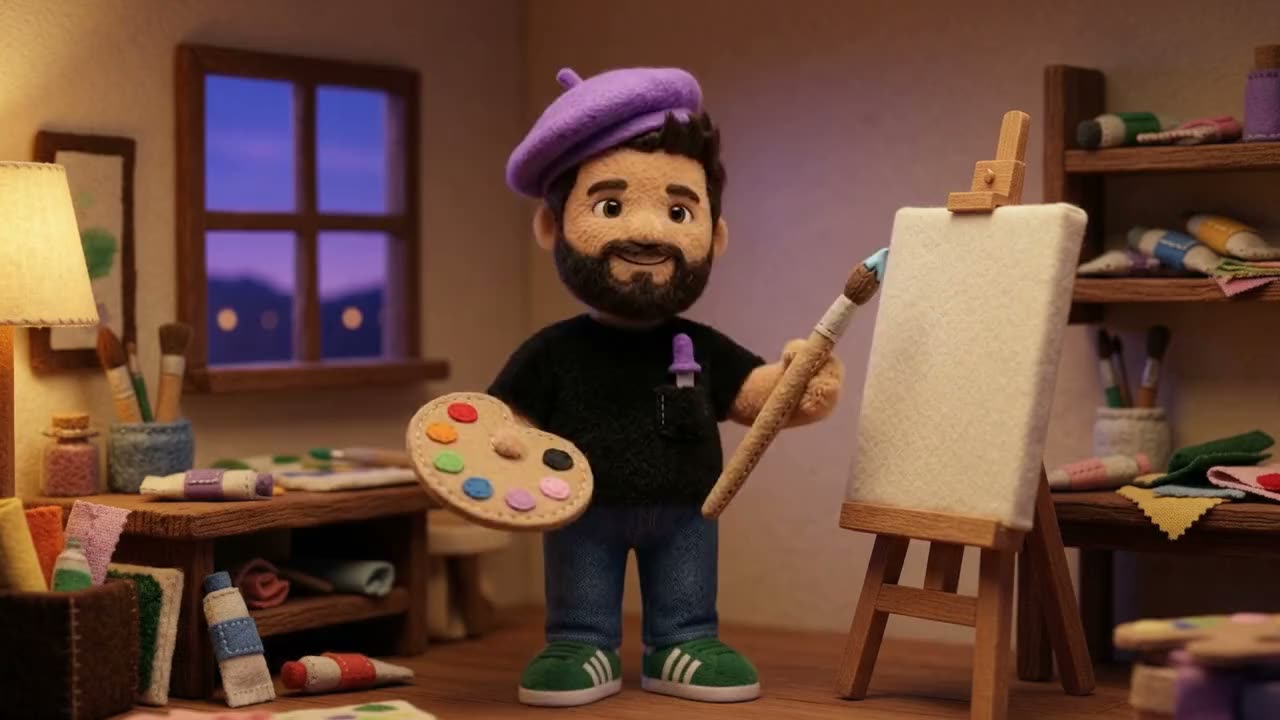
A beret, a brush and the exact hex. -
Set up a step once. RafaBox repeats it for you.
- WhenYou copy a link
- ThenClean tracking links
- ThenReplace the clipboard
- Runs on a copy, screenshot, schedule or shortcut.
- Asks first for its first three runs.
- Undo any run. Passwords are never used.
Start from a recipe: Clean copied links, JSON tidy, Screenshot to text and more.
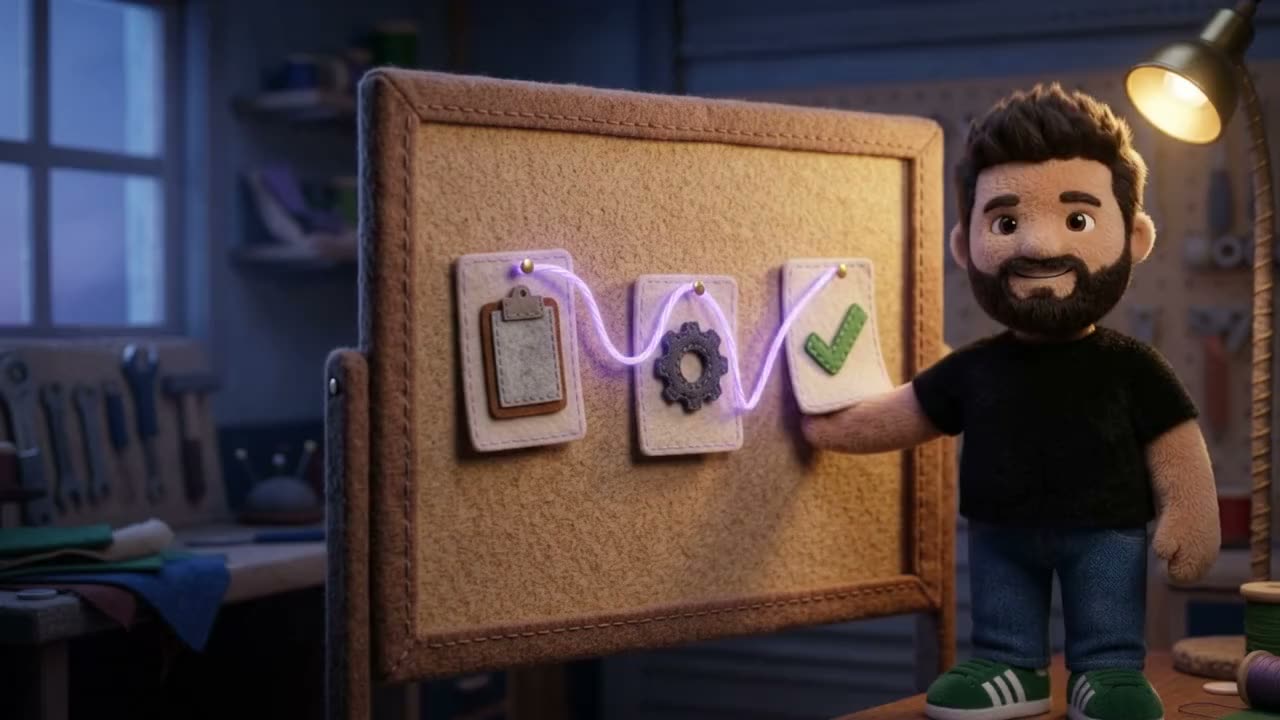
Clipboard, gear, tick. Then it does it again tomorrow.
Everything in the box
- Clipboard history
- Quick paste overlay
- Paste queue
- Templates
- Screenshots
- Screen recording
- Text and QR codes off the screen
- Mark up
- JSON and developer tools
- Image converter
- Video converter
- Colour palettes
- Workflows
- Secret Shield
- Rewrite with Siri
Watch it work
Four moves you’ll use every day.

Copy what you need, where you find it, and move on. RafaBox keeps every piece in order, so you don’t have to.
Four short animations. Collect: text, a link, a colour and a photo are copied from three apps and each lands in RafaBox, then Shift-Command-V shows them all ready to paste. Scoop: Control-Shift-2, a box is dragged over text on a slide and the words are copied; with Shift held, a second box over a QR code adds its link. Palette: an eyedropper picks four colours from a photo of Rafa in his studio (his beret, the dusk sky, a paint dot and the lamplight) into a palette named Rafa’s studio; dusk on lamplight is 3.89 to 1, readable for large text only, and the palette exports as CSS variables. Rewrite: a casual message in a team chat is copied; in a release-notes doc, Shift-Command-V opens RafaBox, the sparkle menu on the card is set to Make Technical, the message is rewritten on the Mac into precise technical wording, saved, and pasted into the doc under Known issues.
The workbench · 64 tools · all local
Bring it to the workbench.
Format, encode, inspect or diff whatever you just copied. Nothing is sent off to be processed, not even a JWT. Especially not a JWT. Chain tools into a pipeline that reruns as you type.
64 tools · every tool runs on this Mac
JSON Format/Validate
Pretty-print and validate, with the exact line of any error.
{"user":{"id":4182,"name":"Raf","plan":"yearly"},"macs":["MacBook Pro"],"trial":false}
And Rewrite with Siri. Say “Proofread my clipboard with RafaBox” and the copied text is fixed on your Mac with Apple Intelligence. Shorten, Summarise and Make Friendly work the same way. Needs macOS 26 with Apple Intelligence turned on.
Workflows · recipes · all local
It runs itself.
When something happens on your Mac, RafaBox does the next thing for you. Pick a recipe, test it on a sample, switch it on. It asks before touching your clipboard for the first three runs, because trust is earned.
An animation of the Workflows screen in RafaBox. The Smart cleaner recipe is opened: When I copy, then a Decision split, then JSON Format/Validate for JSON, Clean Tracking Links for a link, or Trim Whitespace for anything else, then Replace clipboard. Test runs it on a tracked link, so only the link branch lights up and the tracking is removed; previewed with JSON, the JSON branch runs instead. Switching it on starts Review mode, which asks before changing the clipboard for the next three runs.
House rules
Your clipboard is nobody’s business. Not even mine.
Privacy isn’t a setting you have to remember. Every copy gets checked at the door, and anything excluded or concealed is turned away before it touches your history or the search index. No account. No telemetry. Nothing uploaded. Not even a little.

-
Encrypted at rest
AES-GCM, key in your Keychain
Your history is encrypted with AES-GCM, and the key lives in your Mac’s Keychain. Export everything as readable JSON, or erase it all, whenever you like.
-
Search without plaintext
A keyed-hash index
Search works on keyed hashes, so the index never holds the words you copied.
-
Secret Shield
Secrets never get kept
Password-manager copies, apps you exclude, private keys, API tokens, credentials and card numbers are dropped on sight.
The one thing RafaBox sends. A license check: your license key or email, a salted hash of your Mac’s hardware ID, the Mac’s name, and the app and macOS versions. Never anything you copied. Read the privacy page.
In the spirit of honesty: the name and bundle ID of the app you copied from are stored as plain metadata, so excluded apps and diagnostics keep working.
Prices at the till
Try all of it. Pay only if it earns it.
One app, every feature, and no “Pro” upsell hiding behind a padlock. The plans only change how you pay, never what you get.
Your first 30 days are free
The trial starts the first time you open RafaBox. Every feature. No card, no account, nothing to cancel, no guilt.
-
Monthly
US$2
per month
- The whole box
- Renews monthly
- Cancel any time
-
Yearly
Raf’s pick
US$10
per year
- The whole box
- Renews yearly
- US$14 less than twelve months of Monthly
-

Own it
US$50
once
- The whole box, yours for good
- Every future update included
- Nothing renews
Every plan gets the whole box
History, the Quick Overlay, screenshots, recording, Scoop, Mark up, the workbench, Convert, Palette, templates and workflows. One license is active on one Mac at a time, and moving it to a new Mac takes a minute.
Buying for a team?
Buy one license per person. Each person signs in with their own work email, and team licenses are lifetime licenses. For a quote or an invoice, email teams@rafabox.app.
Prices are in US dollars. Sales tax or VAT may be added at checkout, depending on where you live.
The counter
Your license, your Mac, your bill.
No account. No password to forget. After you buy, you sign in on your Mac with a 6-digit code we email you. New Mac, new card, cancelling: a click each, and no “are you sure you want to leave us?” maze. Your clips never come to the counter.
- Sign in with a code
- Move to another Mac
- Receipts and your card
- Team licenses
- Choose Sign in with email
Type the address you paid with.
- Type the 6-digit code
It arrives by email and lasts 10 minutes.
- On another Mac?
Choose Use here instead and the license moves over.
Questions
Questions people ask.
What happens when the 30 days are up?
RafaBox goes read-only until you pick a plan. Nothing is deleted or held hostage: you can still browse, search and copy from your history. New capturing, screenshots, Scoop, the tools and workflows pause until you buy.
Do I need an account?
No. There’s no account and no password. After you buy, you sign in by typing a 6-digit code we email to the address you paid with.
Can I use it on more than one Mac?
One license is active on one Mac at a time. To move it, sign in on the new Mac and choose Use here instead. The old Mac signs out by itself. You can move up to three times a day.
Does it work offline?
Yes. RafaBox checks its license now and then, and works offline for up to 72 hours between checks.
How do subscriptions renew, and how do I cancel?
A subscription renews monthly or yearly depending on the plan. Cancel any time from Settings > License > Manage subscription, and RafaBox keeps working to the end of the period you’ve paid for.
Which Macs does it run on?
Any Mac with macOS 14 or later. Rewrite with Siri needs macOS 26 with Apple Intelligence turned on.
More on the pricing page and in support.
Put it in the box.
Free for 30 days with every feature. RafaBox only asks for Accessibility if you switch on direct paste, and tells you why. Go on, put something in the box.
RafaBox.dmg · macOS 14 or later